No photo needed.
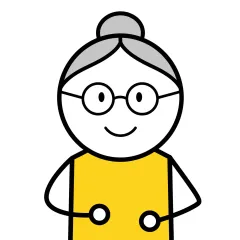
Pip draws any word in the same calm style as the rest of the board, so it looks like it was always there. Photos are still there for the faces that need one: Grandma should look like Grandma.
 Pip
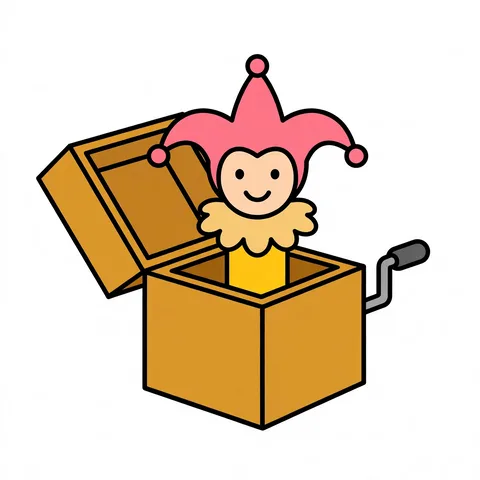
He asked for Jack-in-the-box. It was on his board before snack time, with a picture that matches every other one, and nobody took his iPad away to do it.
See howjack in the boxReturn
On your laptop, your phone, or any browser. Pip draws the picture in the same style as the rest of his board and gives it the right color. His iPad has it the same day.
A note from school: Theo keeps pointing at the jack-in-the-box on the shelf. His board has toy. He doesn't want a toy.
On her lunch break, Mom opens Pip on her laptop and types jack in the box. Pip draws it. She never went near his iPad.
At school, it's on his board. He taps it, and Pip says "jack in the box." His teacher hands it over.
more · jack in the box.
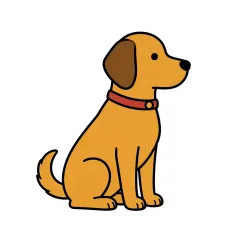
That evening, Dad points out that Theo's has a puppy, not a clown. He types four words, and Pip draws it again. It changes everywhere the word lives, including Play, where Theo's teacher had added it that afternoon.
Pip's voice for words you type comes with Pip Lifetime. On the free plan, say it once in your own voice.
One word in two groups. Change it once.
 Biscuit
 park
 jack in the box

 jack in the box
bubbles
 blocks
Pip draws any word in the same calm style as the rest of the board, so it looks like it was always there. Photos are still there for the faces that need one: Grandma should look like Grandma.
Add words from your laptop, your phone, any browser. Your child keeps talking while you work. Same rule as modeling: the iPad stays theirs.
Put Jack-in-the-box in Play and in My Words, and it's still one word. Change its picture or how it sounds once, and it changes everywhere.
Paste the list from the intake form or the family's email. Every word gets a picture in the board's style (people and pets wait for a photo), and the family's iPad has them the same day. You do it from your laptop, between sessions, not on the child's device during one.

Type it tonight. Pip draws the rest.
Create your child's board — freeNo download · Start free · Lifetime is $49 once, never a subscription